
Clients
This section describes how to manage provisioned clients in Web Admin. You can view all provisioned clients and deprovision them here.
To enable provisioning, you need to configure Admin Provisioning Server Settings.
Clients that must be provisioned cannot access Totalview until provisioning is complete. Provisioning must be performed on the client itself. See Doorway Provisioning or iPad Doorway Provisioning for details.
To deprovision a client, click the icon on the right side of the row. You can search for specific clients using the search bar above the grid.
The grid contains the following columns:
Client ID |
Client Name |
Created by |
Created |
Unique identifier for the client |
Name of the client as entered during provisioning |
User that provisioned the client |
Date and time when the client was provisioned |
An example is shown below:
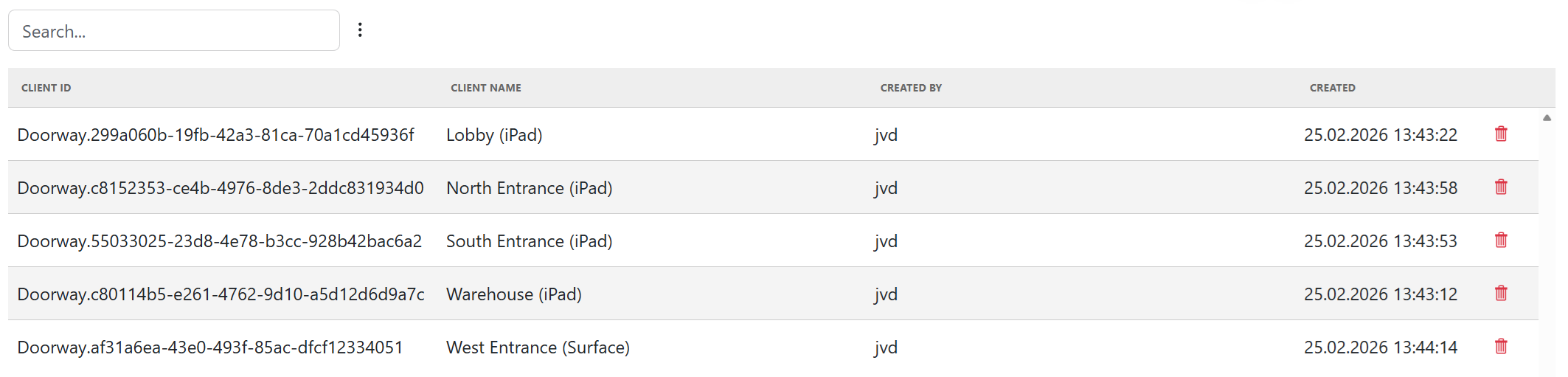
Available Provisioned Clients
The following clients support provisioning:
Surface Doorway Client
iPad Doorway Client
Terminal Client