
Settings
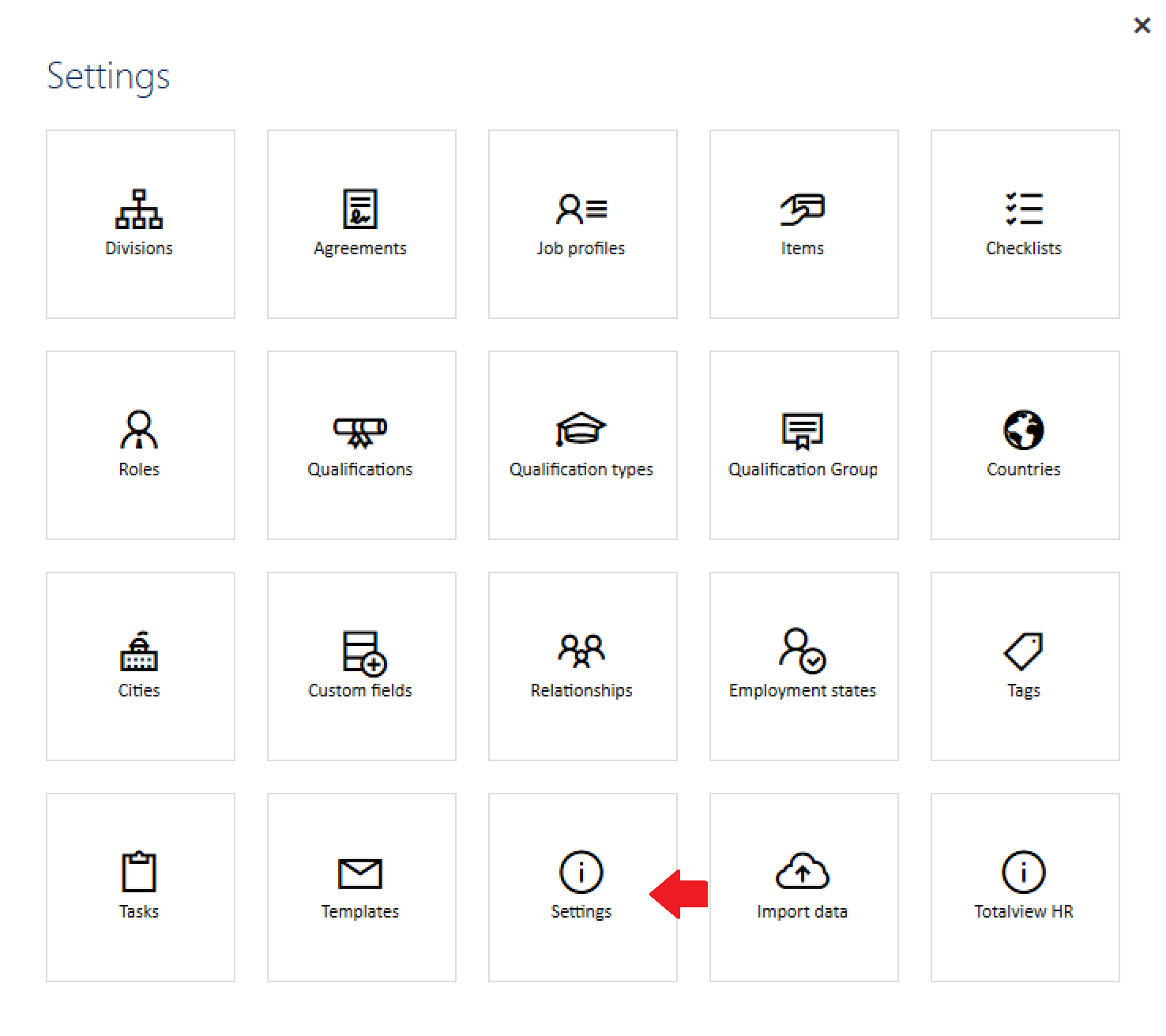
Choose “Settings” in the settings menu to see the Settings page.
Supported settings
The settings subsection includes some more technically specific settings which allow for enabling, disabling, or modifying features.
Key |
Value |
|---|---|
CompanyName |
The name of the company |
CompanyURL |
The main website url for the company. This is used on the Recruitment Portal, e.g. https://example.com |
DatabaseVersion |
The version of the database |
DefaultEmailSubject |
Default subject header in emails |
PrivacyPolicy |
Default privacy policy url, e.g. https://example.com |
VacancyButtonHexColor |
Default color of the button on the Recruitment Portal |
VacancyFirstRoundTitle |
Default name of the first round title when creating vacancies |
VacancyFirstRoundType |
Default name of the first round type when creating vacancies |
VacancyFontFamily |
Default font used on the Recruitment Portal |
VacancyIncludeAnnouncements |
Shows/hides the announcements flow in vacancies |
VacancyIncludeBirthday |
Enable/disable the “include birthday” option by default by default in vacancies |
VacancyIncludeGender |
Enable/disable the “include gender” option by default by default in vacancies |
VacancyIncludeSeen |
Enable/disable the “include seen announcement from” option by default in vacancies |
VacancyLogoFileData |
Image logo encoded in base64 that is used on the Recruitment Portal |
VacancyNumberOfDaysToSaveApplication |
Default amount of days an application in the Candidate Pool will be saved |
VacancyUrlBase |
Default url to the Recruitment Portal, e.g. https://example.com |
VacancyUseRecommendation |
Shows/hides the recommendation & approval flow in vacancies |