Totalview Help Center
User Guides
Authentication
PC Client
Wallboard
iPhone
Android
Installation
Login
My State
Time
Calendar
Contacts
Calling
Burger Menu
Phone Options
Settings
Phonebook Synchronization
Use Dark Mode
Toggling Contact Images
Enable Call Group Auto Update
Use Offline State Registration
Changing the Remote Phone Number
Changing the Remote Office Number
Choose Language
Change State Order
Viewing the Application Details
Notifications
Doorway Client for Windows tablet
Doorway Client for iPad
Reports
HR Client
Time Client
Documentation
Admin
Web Admin
Authentication
HR
Time
Reports
Database
Public API
Technical Guides
Release Notes
Totalview Help Center
»
Android
»
Burger Menu
»
Settings
»
Use Dark Mode
Use Dark Mode

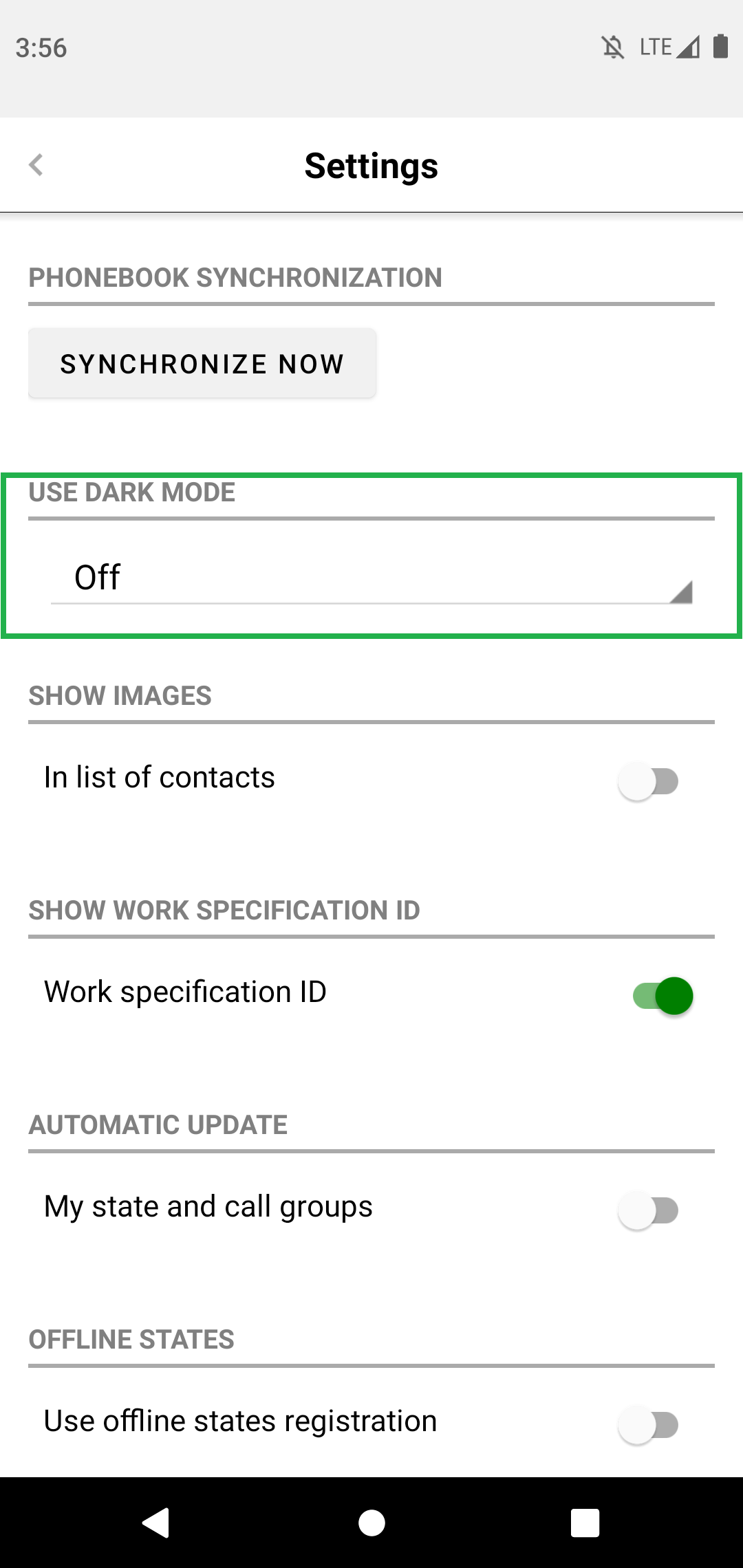
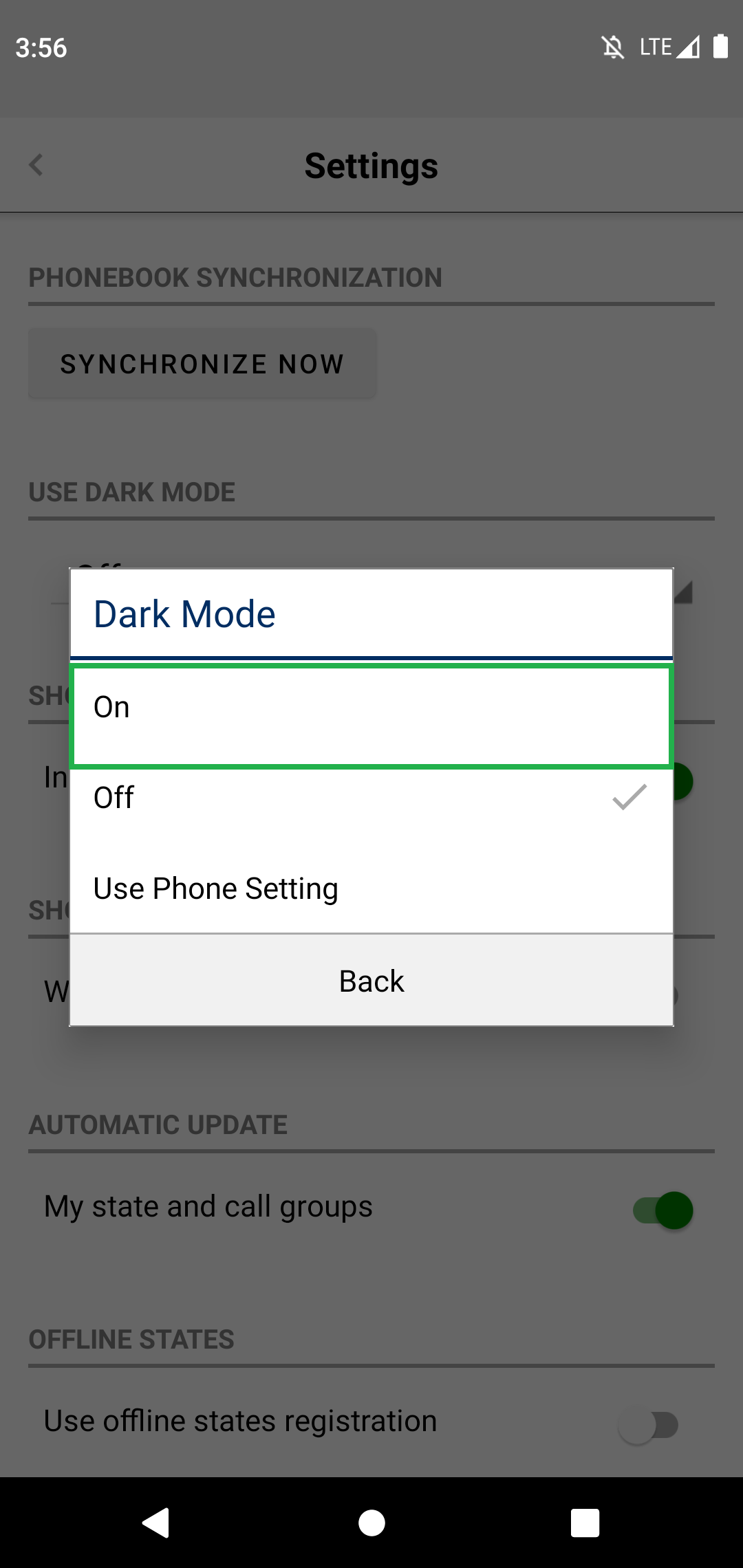
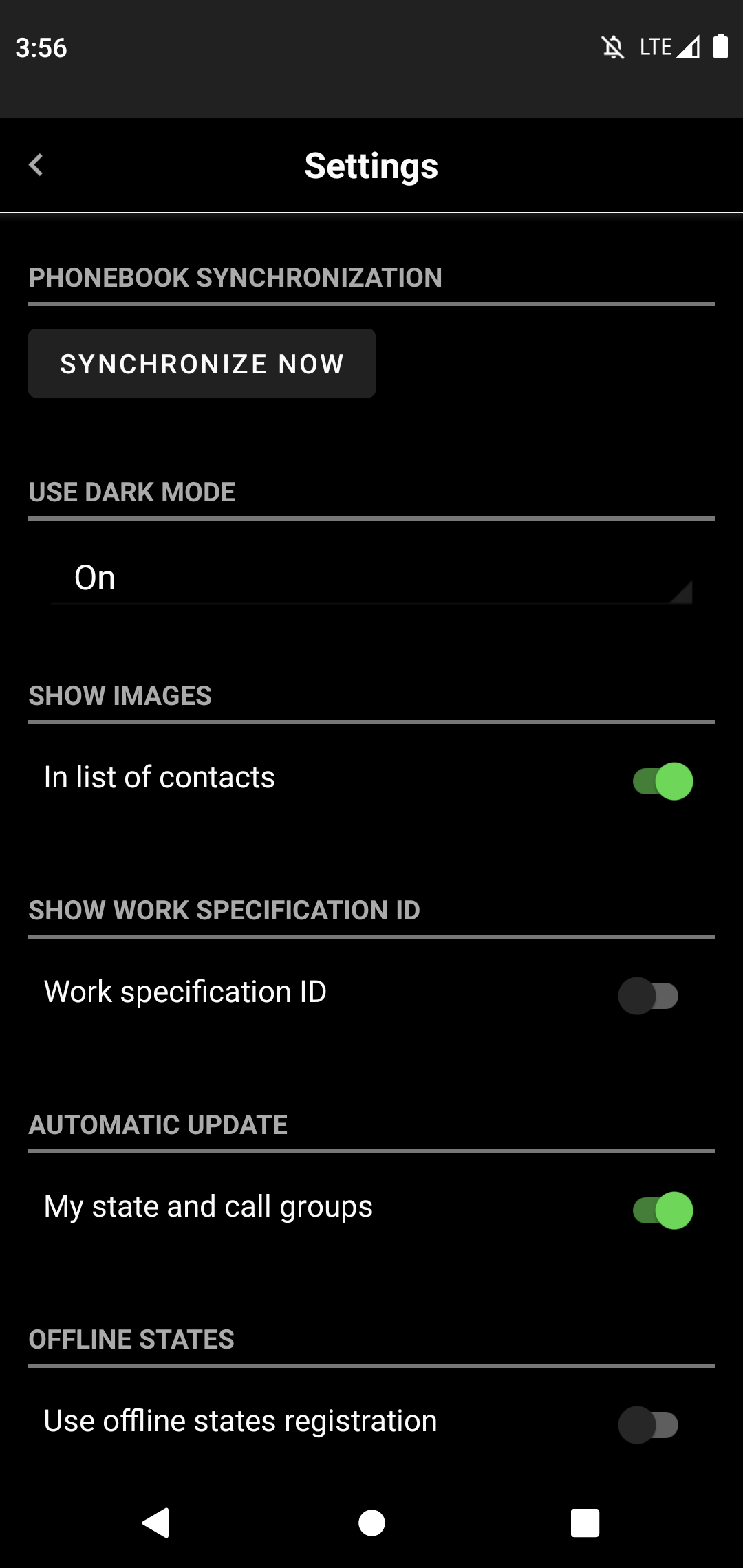
It is possible to use Dark or Light mode of the Totalview application.
The user can choose to turn on/off Dark mode or choose the option that Totalview application follow device Dark mode settings.
Documentation
v: Totalview 2025 SP3
Versions
Totalview 2025 SP3
Totalview 2025 SP2
Totalview 2025 SP1
Get in Touch
sales@total-view.com
+298 344000
www.total-view.com
Privacy Policy Statement
Read here