About
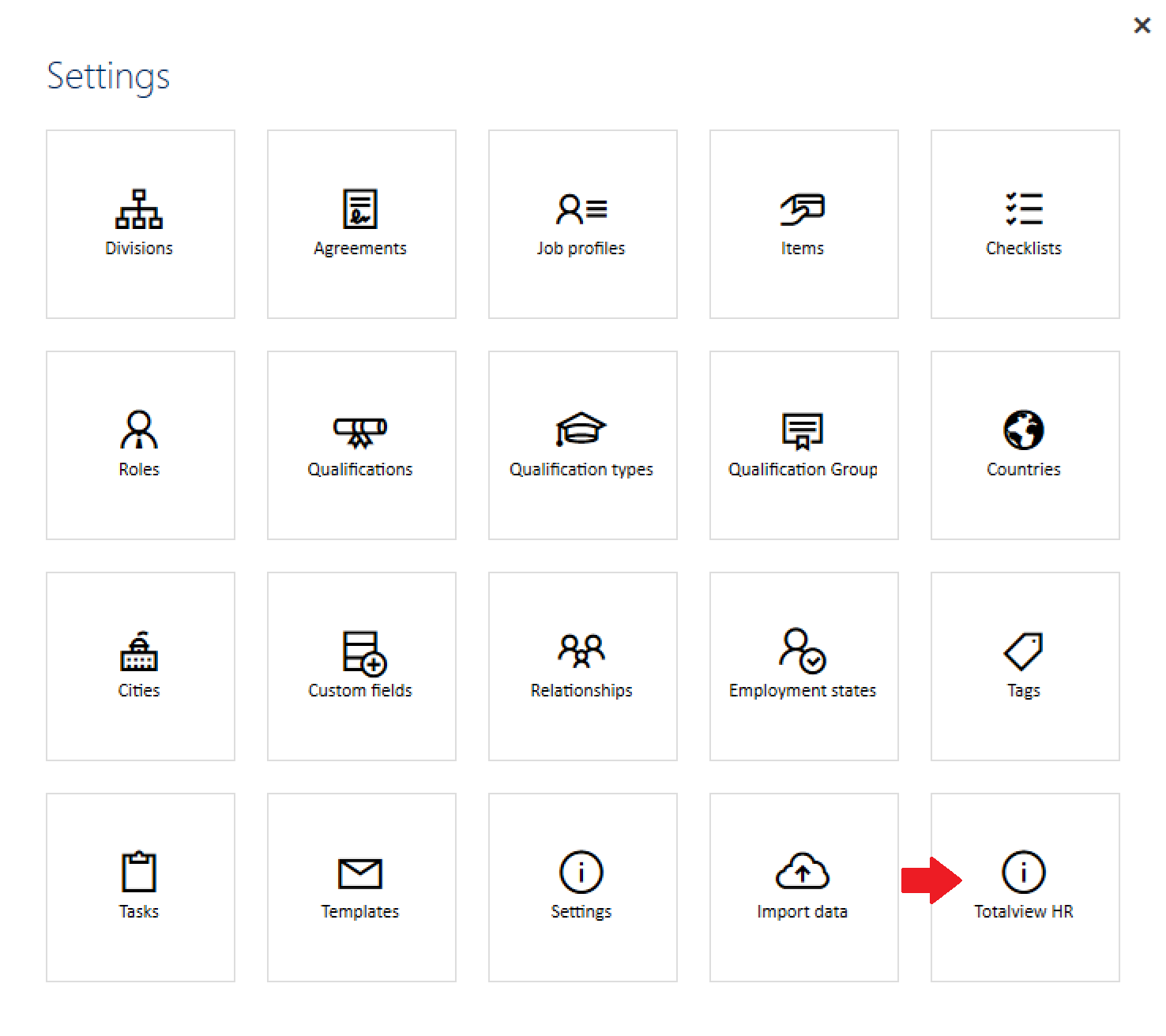
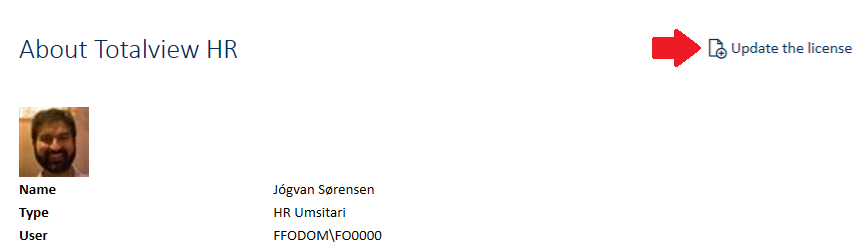
Choose “Totalview HR” in the settings menu to see the About Totalview HR page.
The About section provides technical details about the Totalview HR Client/Server, the current user, and the application’s licensed areas.
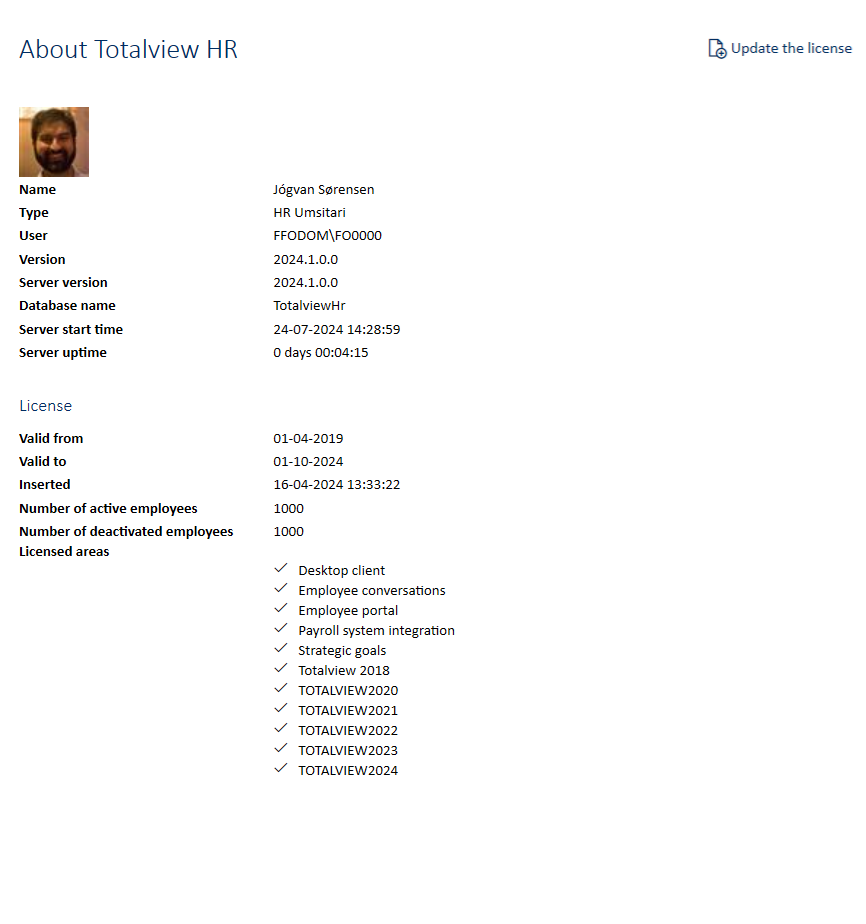
Technical fields
Sensitive fields are hidden by default based on configurable roles in the Roles setting.
User information
NOTE: To be able to see the User field, the Employee Right called “Can see Windows login” is required from the Rights.
Field |
Description |
Right required |
|---|---|---|
Name |
Name of the currently logged in user |
|
Type |
Role of the currently logged in user |
|
User |
Windows login of the currently logged in user |
✓ |
Client/Server information
NOTE: To be able to see the Server Information fields, the General Right called “Can see server information” is required from the Rights.
Field |
Description |
Right required |
|---|---|---|
Version |
Current version of the HR Client |
|
Server version |
Current version of the HR Server |
✓ |
Database name |
Name of the HR Database |
✓ |
Server start time |
Server start date and time |
✓ |
Server uptime |
Uptime since server start |
✓ |
License information
NOTE: To be able to see the license field, the General Right called “Can see license information” is required from the Rights.
Field |
Description |
Right required |
|---|---|---|
Valid from |
License activation date |
✓ |
Valid to |
License deactivation date |
✓ |
Inserted |
Date when the license was added or updated |
✓ |
Number of active employees |
Maximum amount of active employees |
✓ |
Number of deactivated employees |
Maximum amount of deactivated employees |
✓ |
Licensed areas |
Totalview features included in the license agreement |
✓ |
Updating the license
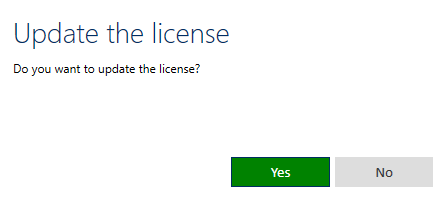
It is possible to update the license via the button in the top right corner. This button is hidden if the user does not have the General Right “Can see license information” from Rights.
NOTE: Updating the license will remove the old one. If an invalid license is added, the old one will be lost. Keep a backup to avoid issues.
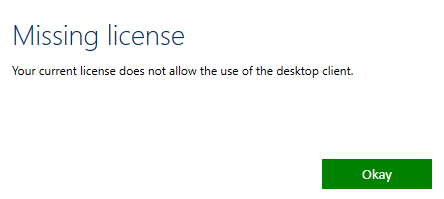
If the license expires, the application will prompt for a new one and close if not provided whenever the application starts.