
Time Registration Settings
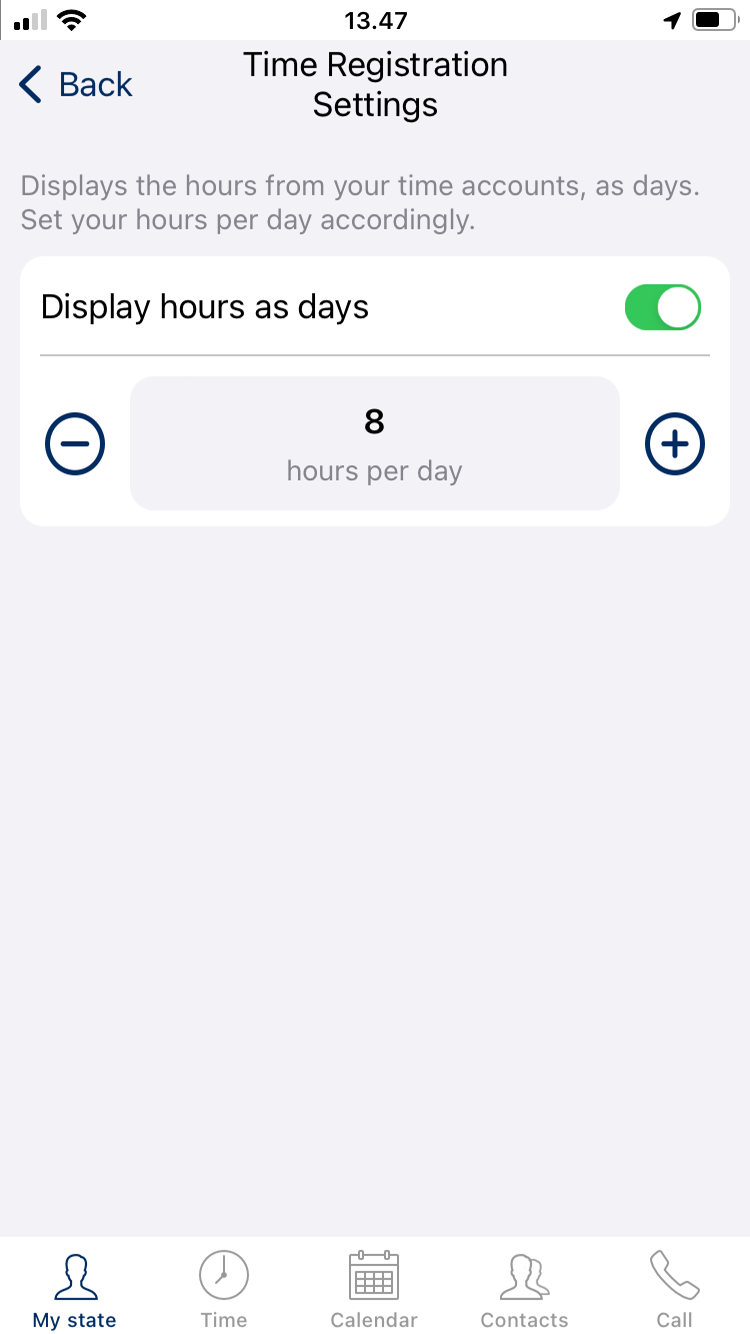
The Totalview app for iPhone offers time registration settings with option to set hours per day. Hours of day is amount of time that user can set as working hours.
You can find the time registration settings page by clicking on the options icon in the top  and choosing “Time Registration Settings”:

Insert Hours Per Day
Users can set hours per day inserting value in text box or use “+” or “-” buttons
Disable Hours Per Day
Users can disable hours per day setting toggle button to off. Value for hours per day will be set to 0.
