Changing the Server Address
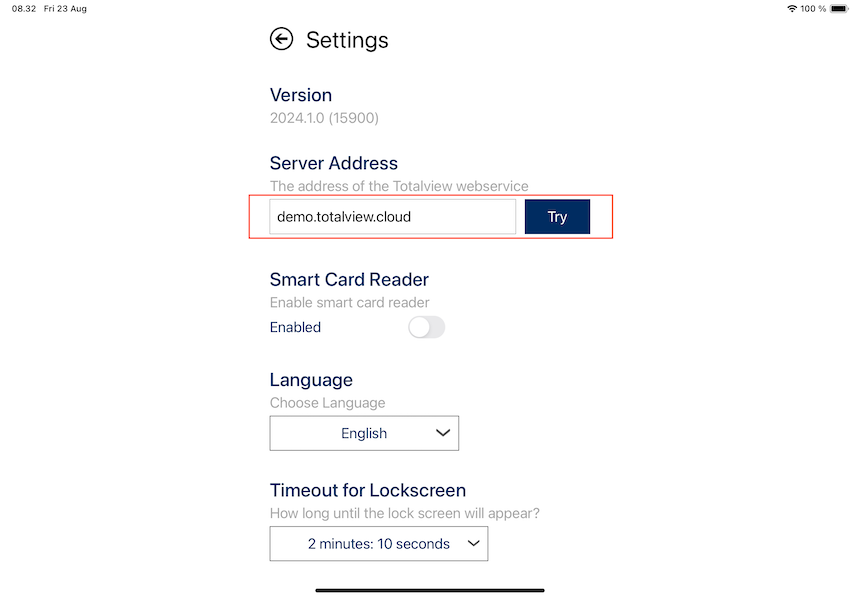
You can change the address of the Totalview Server by going to the settings view and entering the address in “Server Address” field. Press the ‘Try’ button to test the connection.

You can change the address of the Totalview Server by going to the settings view and entering the address in “Server Address” field. Press the ‘Try’ button to test the connection.