Call Groups
The Totalview app for Android offers call group management options, including:
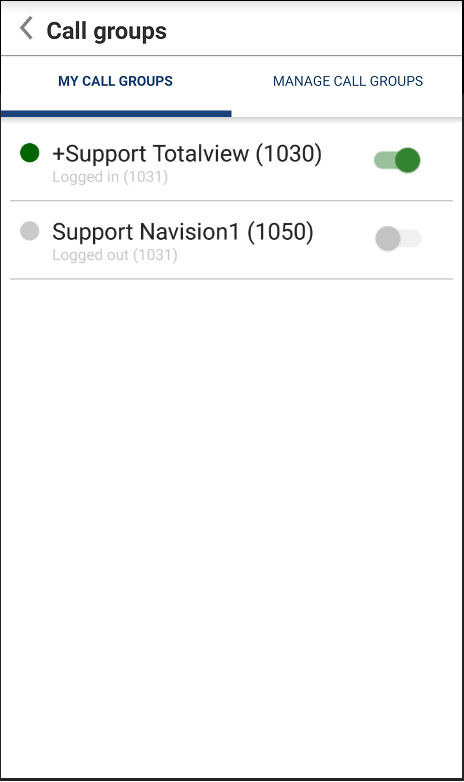
View own call groups and sign in/out of own call groups
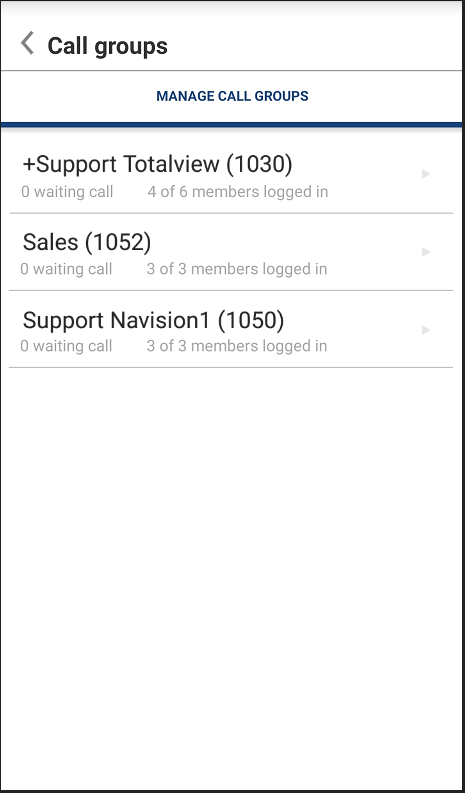
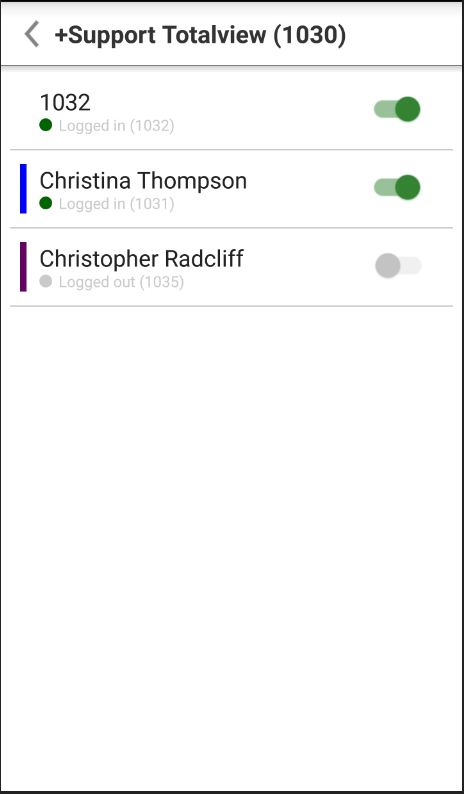
Manage call groups. See current number of logged in users and sign users in/out.
Viewing own call groups will only be visible if the user is a member of a call group, and has the “Call Group” right assigned.
Managing call groups will only be visible if the user has the “Call Group Admin” right assigned.
Please note that call group functionalities in Totalview are only available for customers using 3CX, Broadworks or IPOffice. Unify is not supported.
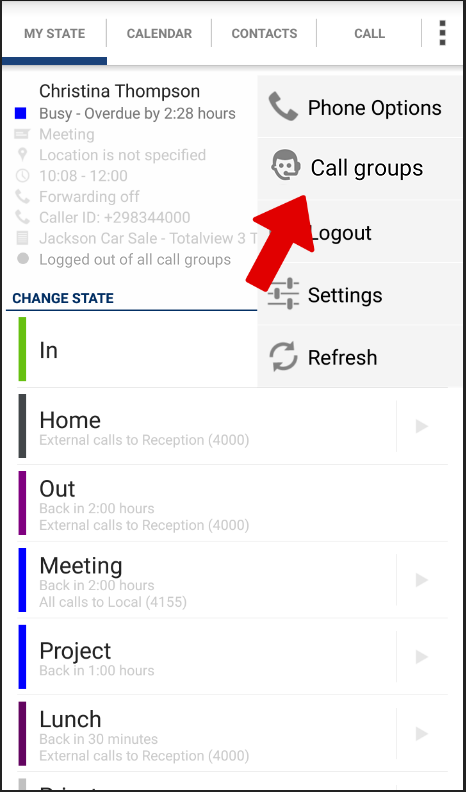
You can access call group functions by clicking on the options icon  in the top right corner and choosing “Call Groups”:
Manage own Call Groups
View a list of own call groups and toggle the sign in/out state
Manage all Call Groups